Latest from the changelog
All releases →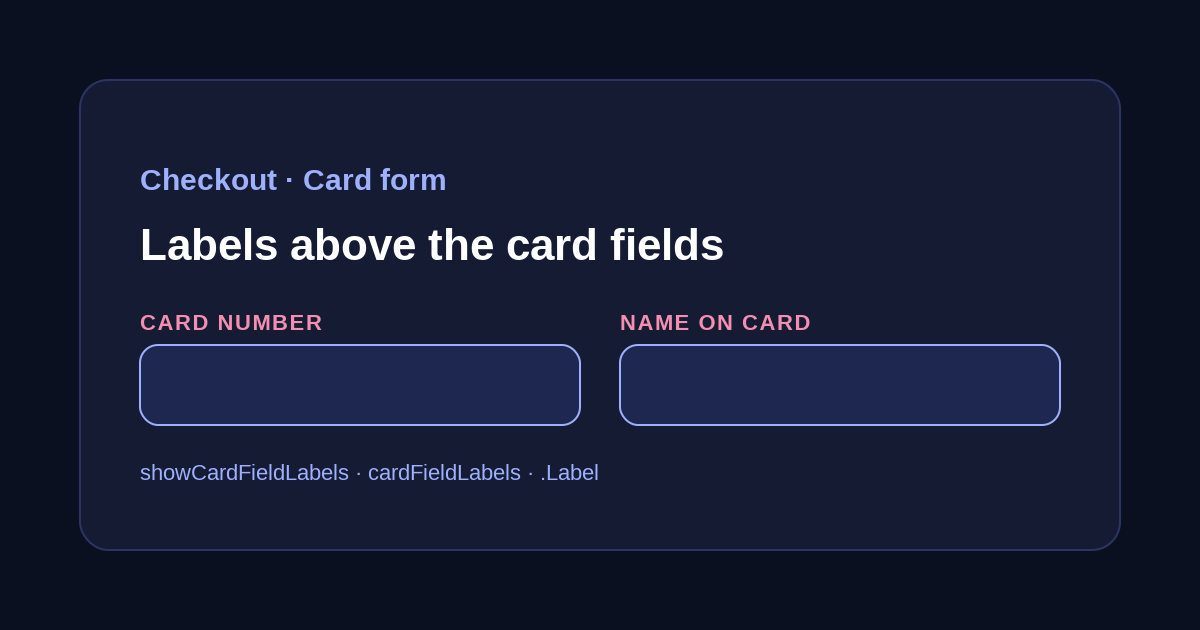
Show and style labels above the card fields
The new showCardFieldLabels and cardFieldLabels props, and the setShowCardFieldLabels and setCardFieldLabels methods, show visible labels above the hosted card number, expiry, security code and name fields and change their text. The .Label rule of appearance.rules styles them. Merchants who do not turn them on see no change.
Checkout APISDK
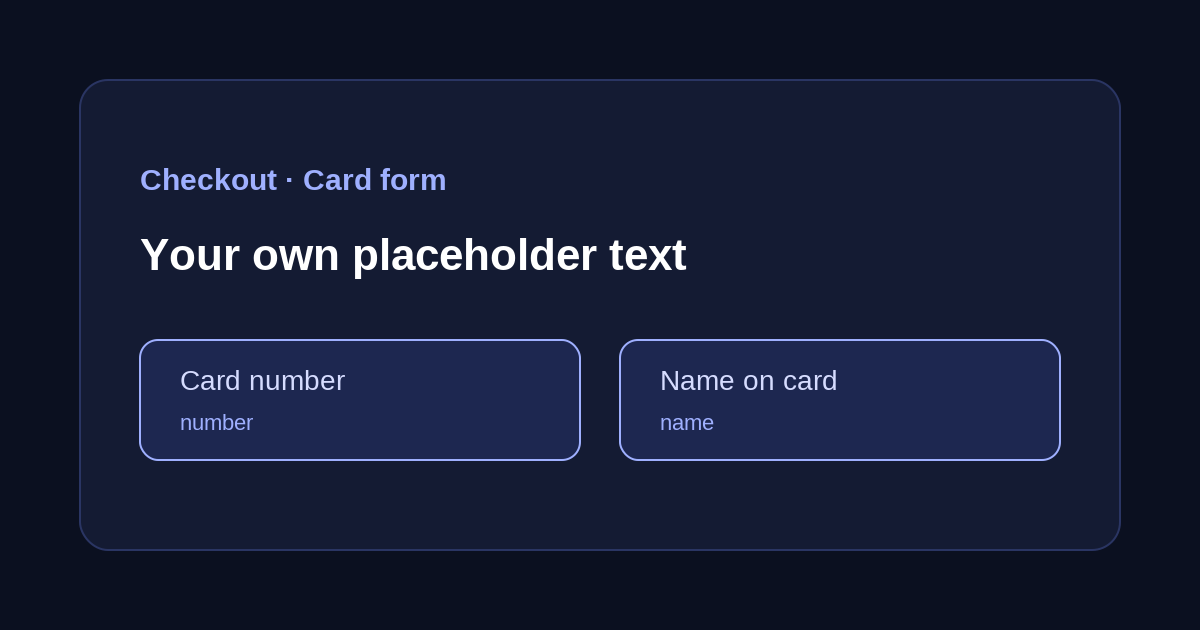
Set your own placeholder text in the card form
The new cardFieldPlaceholders prop and setCardFieldPlaceholders method change the placeholder text of the hosted card number, expiry, security code and name fields. Merchants who do not set them see no change.
Checkout APISDK
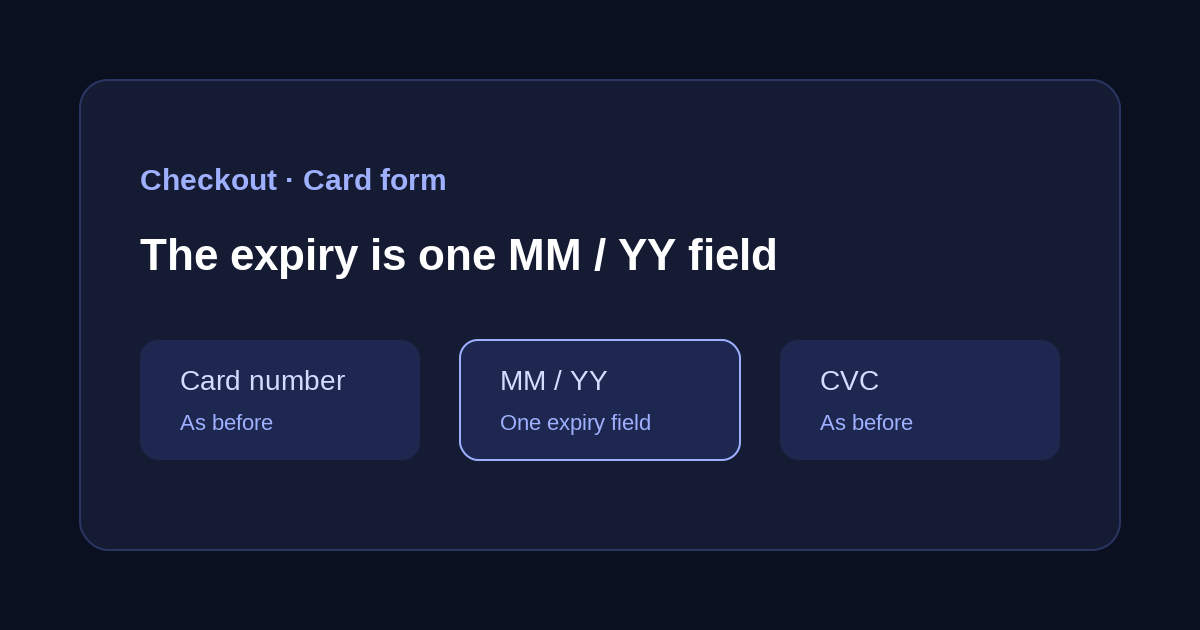
The card form takes the expiry in one MM / YY field
The hosted card form now asks for the card expiry in a single MM / YY field instead of month and year dropdowns. No SDK update is needed, but browser tests that pick from the dropdowns must type into the field.
Checkout API